What Incentives or Point Systems are Used to Motivate Students?
Motivation is half the battle with reading practice. Readability Tutor is designed to help kids want to come back, not just check a box. Here’s how it works in practice.
First, kids read at a level that feels “just right.” During onboarding, the program estimates a starting level and then adapts as your child reads. That matters because nothing tanks motivation faster than text that’s too hard or too easy. When the challenge fits, kids feel capable and curious — and they’re more likely to stick with it.
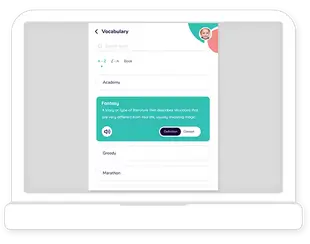
While they read, the app listens and gives immediate, friendly feedback. If a child mispronounces a word or hesitates, the tutor flags it in the moment and models the correct reading. Kids can tap a tricky word for help, hear it read aloud, or get a quick meaning. That kind of support keeps the flow going so they don’t get stuck or frustrated.
Content choice is another big piece. The library includes leveled passages across genres — animals, sports, science, myths, everyday stories, and more — so kids can pick topics they actually care about within their reading range. Having agency turns practice from “I have to” into “I want to read this one.”
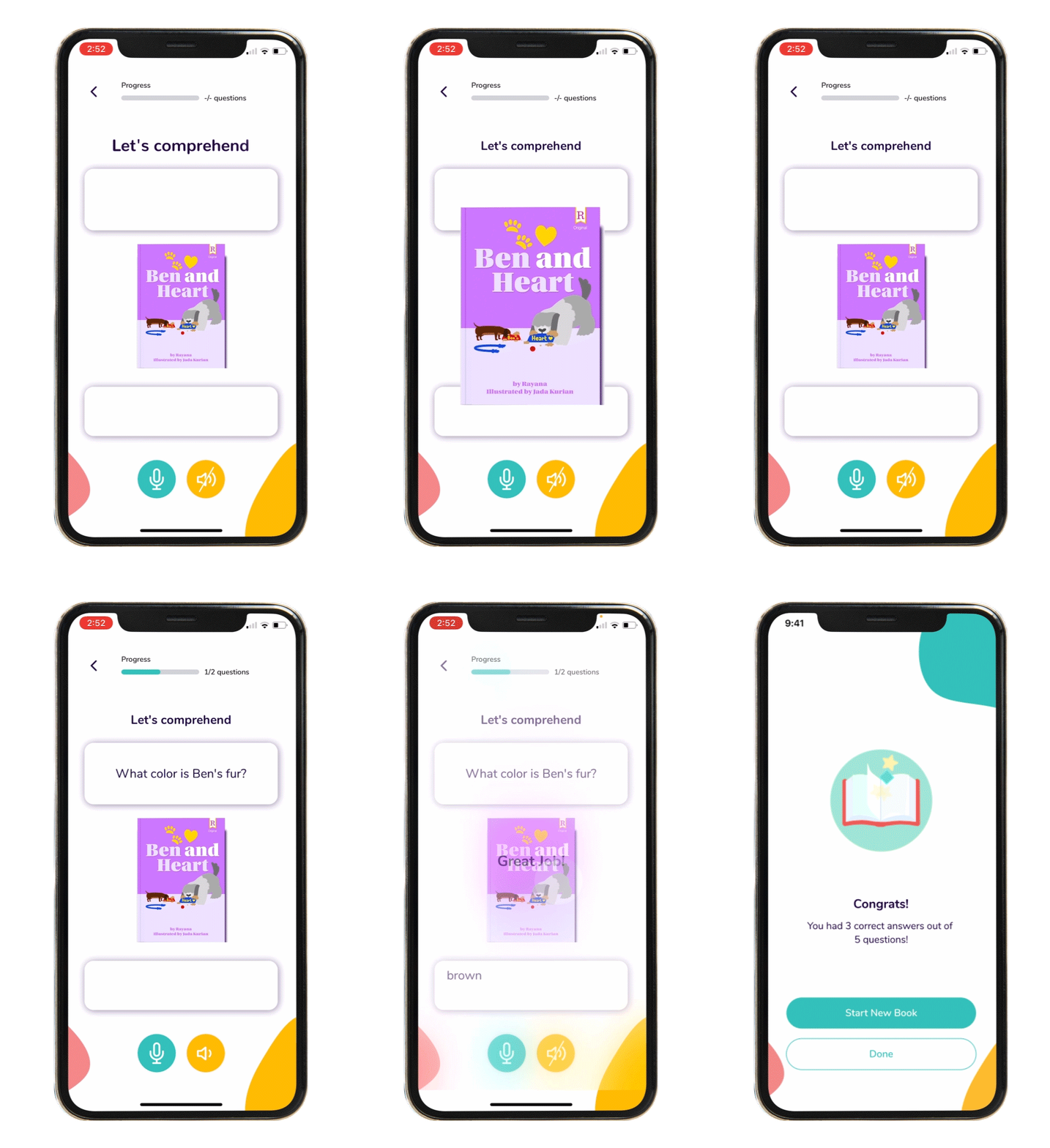
Small wins are built in. Each passage is short, followed by a quick comprehension check or retell prompt. Kids finish a piece, see how they did, and move on — lots of finish lines, not just one big one. Over time, they notice real growth: words-correct-per-minute, accuracy, and comprehension scores trend upward. Parents and teachers can view these in simple dashboards, set goals, and celebrate milestones together. That shared visibility and encouragement goes a long way.
Sessions are designed to be doable. Ten to fifteen minutes is enough for meaningful practice, which makes it easier to fit reading into an everyday routine after school or before bed. Consistency builds habit, and habit fuels motivation.
The experience is also calm and supportive rather than busy or distracting. It’s engaging without turning reading into a game unrelated to text. If your child benefits from accessibility options, features like adjustable text size or high-contrast themes can make reading more comfortable, which helps attention and confidence.
One thing to keep in mind: your role matters. A quick “I noticed you read three passages this week — nice work!” or letting your child choose tomorrow’s topic can be the nudge that keeps the streak going. In classrooms, teachers often assign a passage tied to current units so practice feels relevant.
Readability Tutor keeps kids motivated by giving them texts that fit, feedback that helps right away, choices that feel meaningful, and clear signs they’re getting better — all doable sessions that add up to steady progress.

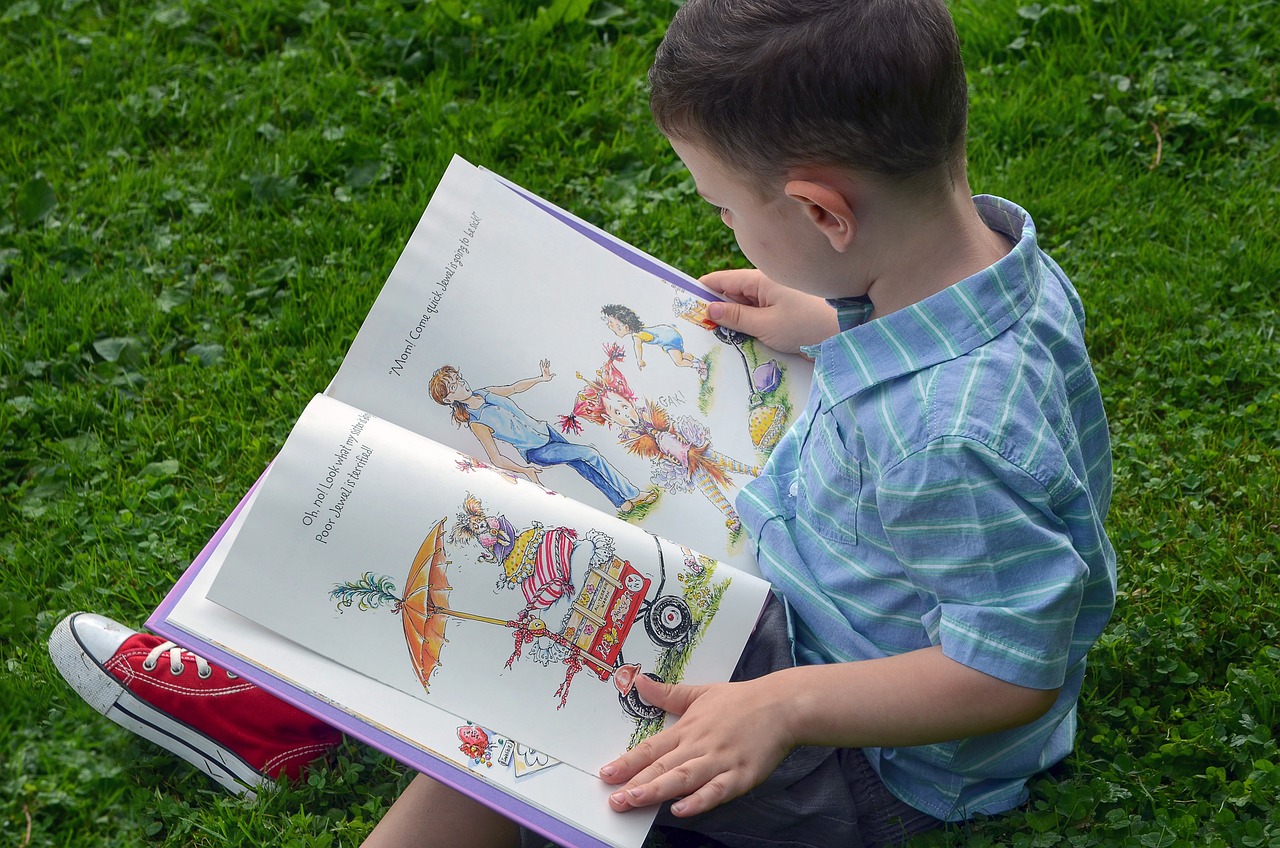
Fun & educational grade-level stories come to life with bright illustrations.
For K-6th grade, available on:
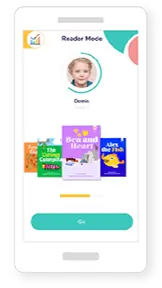
Smartphone
iPhone & Android
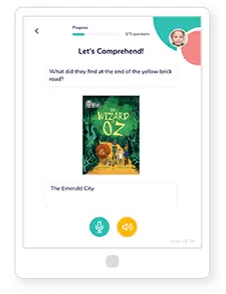
Tablet
iPad & Tablet