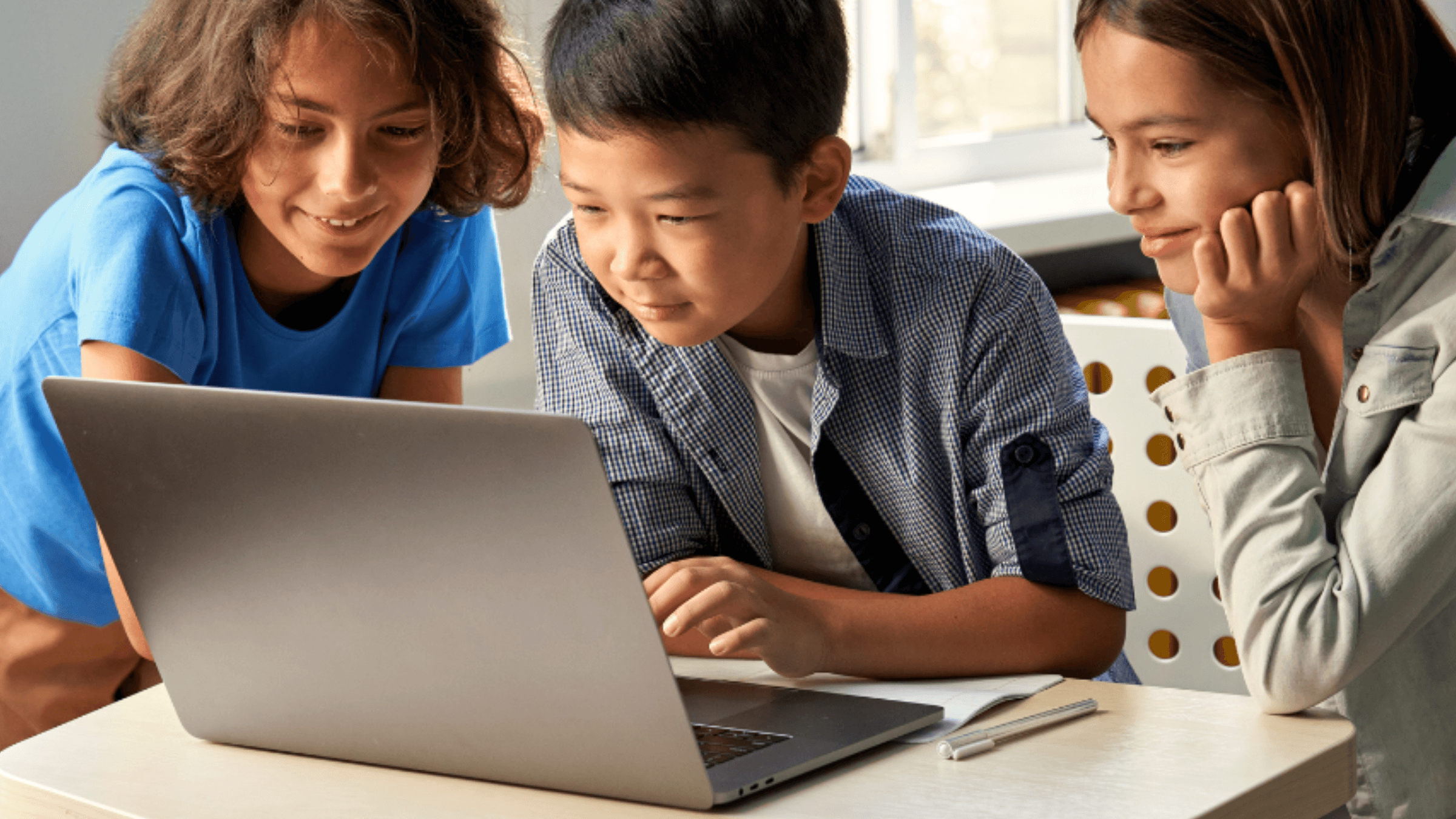
Your child's Chromebook can be more than a device for completing school assignments. With the right tools, it can provide extra practice in reading and math, introduce your child to coding and new languages, or simply give them new ways to explore topics they're curious about.
Below, we've rounded up seven of the best educational apps for Chromebook, with options for different ages, interests, and learning needs.
What to Look for in a Chromebook Learning App
When comparing Chromebook learning apps, look for a clear purpose along with an experience that's easy and engaging for your child to use. Consider their age and current skill level, what you want them to practice or explore, and whether the activities offer enough challenge without becoming frustrating. Cost is worth checking, too, since some apps are free while others require a subscription to access all of their features.
You'll also want to make sure the app works with your child's particular device. This is especially important with school-issued Chromebooks, which may limit downloads, websites, or certain features. Before choosing among Chromebook apps for education, check how the program is accessed and whether your child's school has any restrictions.
7 Best Educational Apps for Chromebook
From reading practice to math, coding, and languages, the best Chromebook apps for education can support many different skills and interests. These seven picks each offer something different, so you can choose the ones that make the most sense for your child.

1. Readability Tutor — Best for Reading Practice
Best for: Reading fluency, comprehension, and vocabulary
Ages/grades: K–6
Cost: Paid subscription with a free trial
Access: Chromebook and other compatible devices
Readability Tutor gives your child personalized reading practice by listening as they read aloud and providing real-time support when they need it. The app can correct mispronounced words, help with unfamiliar vocabulary, and ask comprehension questions to strengthen understanding while your child reads.
Reading selections are matched to your child's level, while the parent dashboard tracks areas such as reading time, accuracy, fluency, and comprehension. Readability is compatible with newer Chromebooks, making it a useful option if you want your child's device to provide more structured reading practice at home.

Your child can get guided practice without needing you to sit beside them for every page. You can stay involved through their progress reports while giving them more independence as they build their reading skills and confidence:
2. Khan Academy — Best for Learning Across Subjects
Best for: Math, science, computing, and other academic subjects
Ages/grades: Elementary through high school and beyond
Cost: Free
Access: Web-based learning
Khan Academy offers lessons, videos, and interactive exercises across a wide range of subjects. Your child can work on individual skills, review something they're learning in school, or explore a new topic at their own pace.
Because progress stays connected to your child's account, they can move between lessons and continue where they left off. It's a particularly flexible choice if you're looking for a free resource that can support more than one school subject. When it comes to the best educational apps for Chromebook, parents must know about this one.
3. Prodigy Math — Best for Making Math Practice Fun
Best for: Game-based math practice
Ages/grades: Elementary and middle school
Cost: Free access with optional paid features
Access: Web-based
Prodigy turns math practice into an interactive game, giving your child problems to solve as they progress through the experience. Its adaptive approach can make extra practice feel less like another worksheet, particularly for children who enjoy games and need a little more motivation to work on math.
The platform offers standards-aligned practice and adapts activities as students work. Prodigy also offers focused math-fact practice, giving children another way to work on skills such as addition, subtraction, multiplication, and division in short sessions.
4. Duolingo — Best for Language Learning
Best for: Practicing a new language
Ages/grades: Older elementary students and up
Cost: Free with optional paid features
Access: Web and app
Duolingo teaches languages through short lessons that combine reading, listening, speaking, and writing activities. Your child can work through skills gradually while earning points and maintaining progress, giving the experience some of the appeal of a game.
Lessons are designed to be completed in small sessions, which can make language practice easier to fit into your child's routine. With many languages available, it's also an approachable way for children to try a language they're curious about before committing to something more intensive.
P.S. If your child has been struggling with reading, our free dyslexia test can help you recognize possible signs of dyslexia and decide what to do next.
5. Scratch — Best for Learning to Code
Best for: Coding, problem-solving, and creativity
Ages/grades: Ages 8–16, with use outside this range as well
Cost: Free
Access: Web-based
Scratch introduces your child to coding through a visual, block-based system rather than requiring them to immediately learn a programming language. They can combine blocks of code to create their own interactive stories, games, and animations while becoming familiar with concepts such as sequences, loops, and variables.
The open-ended format also gives children plenty of room to experiment. Instead of simply completing exercises with one correct answer, your child can build something based on their own ideas, test what happens, make changes, and learn through the process.
6. National Geographic Kids — Best for Curious Learners
Best for: Animals, science, geography, and nature
Ages/grades: Elementary and middle school
Cost: Free content available
Access: Web-based
National Geographic Kids lets your child explore topics ranging from animals and habitats to science, space, geography, and history. Articles, videos, games, and other activities make it easy to follow a particular interest or simply see where their curiosity takes them.
This can be a nice alternative to apps centered around lessons and practice exercises. If your child loves sharks, dinosaurs, space, or another topic, giving them the freedom to learn more about it can encourage independent reading and make screen time feel a little more purposeful. The best educational apps for Chromebook are engaging.
7. Google Arts & Culture — Best for Exploring the World
Best for: Art, history, culture, and virtual exploration
Ages/grades: Elementary students and up with age-appropriate guidance
Cost: Free
Access: Web and app
Google Arts & Culture brings together collections and experiences from museums and cultural institutions around the world. Your child can explore artwork, historical objects, famous landmarks, and places they may otherwise never have an opportunity to visit.
Interactive features and virtual experiences can make subjects like history and art feel more tangible than simply reading about them in a textbook. It's a useful option for encouraging curiosity, supplementing a school topic, or letting your child explore something new simply because it catches their attention.

Which Chromebook App Is Best for Your Child?
The best learning apps for chromebook will depend on your child's age, interests, and where they could use extra support. If reading is a priority, Readability Tutor offers guided practice, while Prodigy focuses on math and Scratch introduces coding through creative projects. Khan Academy can help across several school subjects, while Duolingo, National Geographic Kids, and Google Arts & Culture give your child opportunities to explore languages, science, history, and more.
If your child needs more individualized support, one-on-one tutoring is another option to consider. Brighterly pairs students with tutors and uses an initial diagnostic assessment to identify strengths and learning gaps. Brighterly math tutoring can be especially useful for children who need more guided, personalized instruction than a self-paced app provides.
When comparing the best Chromebook apps for elementary students, think about what will actually be useful and engaging for your child rather than trying to fill their device with as many options as possible. One or two well-chosen tools that fit their needs may be more valuable than a long collection they rarely use.
This is also a good opportunity to build healthy digital habits. These online safety tips for kids can help you teach your child how to learn, explore, and use apps more safely online.
Can Your Child Use Learning Apps on a School Chromebook?
School-issued Chromebooks are often managed by the school or district, which means your child may not have permission to download every app, visit every website, or change certain settings. Even if a program works on Chromebook, that doesn't necessarily mean it will be accessible on a school-managed device.
If you're considering reading apps for a school Chromebook or another learning tool, check your school's policies or ask your child's teacher whether it can be used. For a personal Chromebook, you'll generally have more flexibility to choose programs that complement what your child is already learning at school.

Support Your Child’s Reading With Readability Tutor
The right digital tools can give your child more opportunities to learn, practice, and explore from a device they already use. If reading is an area where they could use extra support, Readability Tutor turns that screen time into guided practice tailored to their reading level.
Your child reads aloud while the interactive tutor listens, provides help when needed, and checks comprehension along the way. Meanwhile, you can follow their progress and see how their reading skills develop over time.
Give your child more opportunities to practice reading at home. Try Readability Tutor free for 30 days.