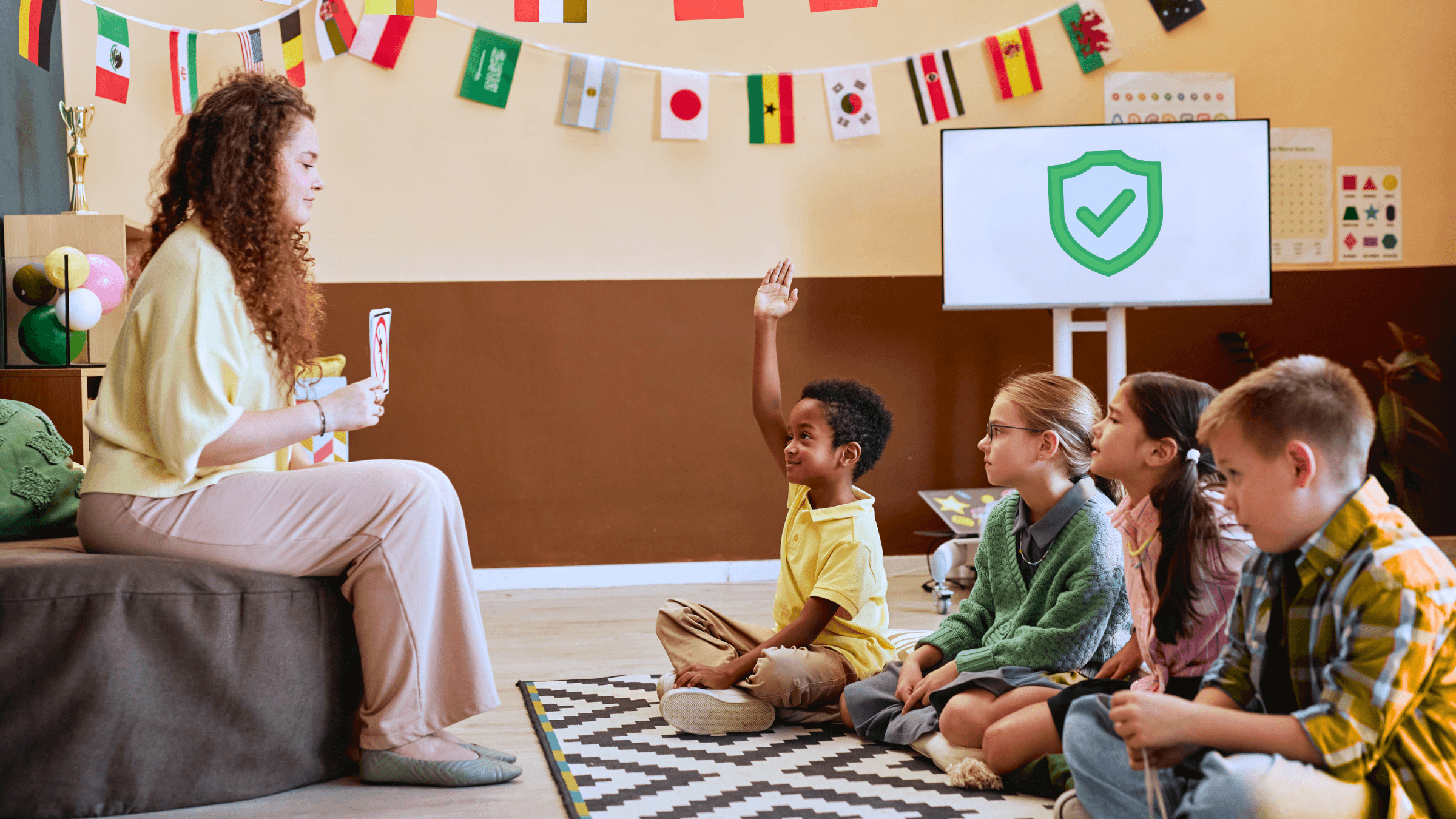
Every parent should know these online safety tips for kids below. As your child spends more time online, it's crucial to help them stay safe and make smart choices.
In this article, you'll learn what every parent should know, from protecting your child's personal information to building healthy digital habits and helping your child use AI chatbots responsibly.
Why Online Safety Matters More Than Ever
The internet can be an incredible place to learn, explore, and connect with others. Whether your child is researching a school project, playing games, watching videos, or using AI chatbots to ask questions, they're interacting with technology in more ways than ever before.
While these experiences can be positive, they also create opportunities to teach safe and responsible online habits from an early age.
With your child, focus on building lifelong habits like:
- Protecting personal information
- Thinking critically about what they see online
- Knowing when to ask a trusted adult for help
These foundational skills can help your child become a more confident and responsible digital citizen.

1. Protect Personal Information
One of the most important internet safety tips for kids is understanding what information should stay private. Many websites, games, and apps ask users to create profiles or share details about themselves. Teaching kids online safety, including what should and shouldn't be shared online, can help protect their privacy and reduce unnecessary risks.
What Should Stay Private?
Help your child understand that personal information isn't just their home address or phone number. It also includes details that could identify them or reveal more than intended.
Examples of information your child should avoid sharing online include:
- Full name
- Home address
- Phone number
- Email address
- School name
- Passwords
- Live location
- Photos or videos that reveal personal details
Remind your child that even if a game or website asks for personal information, they should check with a trusted adult before sharing it. In most cases, these tools don't need personal details to answer questions or help with learning.
Create Strong Password Habits
Strong passwords are another important part of online privacy for kids. Encourage your child to create unique passwords for different accounts and explain why they should never share passwords with friends or strangers.
For younger children, consider using a password manager or helping them create memorable passphrases. As your child gets older, involving them in managing their own accounts can help build responsible online habits while keeping their information secure.
For additional activities, parents can explore NetSmartz, a free educational resource with videos about protecting personal information and staying safe online.
2. Build Healthy Digital Habits
Good online safety for kids starts with healthy everyday habits. By creating simple routines and setting clear expectations, you can help your child use technology in a balanced and responsible way. These habits don't have to be complicated. They just need to be consistent.
Create Healthy Screen Time Habits
Screen time isn't just about how long your child spends online – it's also about how they spend that time. Encourage a healthy balance between learning, play, physical activity, and time away from screens.
Some healthy habits include:
- Creating device-free times during meals or family activities
- Taking regular breaks from screens
- Keeping devices out of bedrooms at night
- Choosing age-appropriate apps, games, and websites

Lead by Example
Children often learn by watching the adults around them. Modeling healthy technology habits can encourage your child to do the same.
Try to:
- Put your phone away during family conversations.
- Practice respectful online behavior.
- Talk openly about how you use technology for work, learning, or entertainment.
- Show your child how to balance online activities with offline hobbies and family time.
When healthy digital habits become part of everyday life, they're more likely to stick as your child grows.
The American Academy of Pediatrics Family Media Plan offers free tools to help families create healthy screen time routines and set technology expectations together.
3. Think Critically Online
The internet is full of helpful resources, but it also contains misinformation, misleading content, and opinions presented as facts. Helping your child question what they see online will serve them well both in school and everyday life.
Not Everything Online Is True
The internet makes information easy to access, but not every website, video, or social media post is trustworthy. Encourage your child to slow down before believing or sharing something they find online.
Have them ask questions like:
- Who created this information?
- Is it from a trusted source?
- Can I find the same information somewhere else?
- Does this sound realistic?
Critical thinking online is vital. These simple questions encourage curiosity while helping your child become a more thoughtful reader.
Evaluating online information requires strong reading and comprehension skills. If you're unsure whether your child is reading at an appropriate level, taking a reading level test for kids can provide a helpful starting point for supporting their learning.
Teach Your Child to Verify Information
When it comes to online safety tips for kids, this is key. When your child comes across surprising or important information online, encourage them to confirm it using another reliable source. You can also teach them to ask a parent, teacher, or librarian when they're unsure.

4. Keep Communication Open
Even with strong online safety rules in place, your child may still come across confusing, upsetting, or inappropriate situations online. Creating an environment where they feel comfortable talking to you is one of the best ways to keep them safe.
Talk About Online Experiences
Make conversations about technology a regular part of family life. Ask your child what games they're playing, what videos they're watching, or what they're learning online. Showing genuine interest helps build trust and makes it easier for them to come to you if something doesn't feel right.
Encourage Your Child to Ask for Help
Remind your child that they can always come to you if they experience something online that makes them uncomfortable. Whether it's cyberbullying, a suspicious message, inappropriate content, or a conversation that feels confusing, knowing they have a trusted adult to turn to can make all the difference.
Responding calmly and without judgment helps your child feel safe asking for help again in the future.
5. Use AI Chatbots Responsibly
AI chatbots are quickly becoming part of how children learn, explore ideas, and get answers to questions. Like any technology, they can be a helpful tool when used thoughtfully. Helping kids use AI safely starts with teaching them that AI is a learning companion, not a replacement for their own thinking or trusted adults.

Are AI Chatbots Safe for Kids?
Many AI chatbots for kids include safety features and can be useful for brainstorming ideas, explaining concepts, or practicing reading and writing. However, parents should remember that AI can still make mistakes, misunderstand questions, or generate inaccurate information.
The best approach is to explore AI together. As your child begins using these tools, talk about when AI can be helpful and when it's better to ask a parent, teacher, or look for information from a trusted source. This kind of guidance builds both AI safety for kids and confidence using technology responsibly.
Double-Check AI Answers
One of the most important lessons you can teach is that AI isn't always right. Encourage your child to verify important facts using reliable websites, books, or guidance from a trusted adult. Learning to question information, compare sources, and think independently supports responsible AI use while strengthening digital literacy for kids.
As AI continues to evolve, parents looking to learn more can explore Common Sense Media's AI resource hub, which offers family-friendly guidance, AI literacy resources, and practical tips for helping children use AI safely and responsibly.
Use AI to Support Learning
AI works best as a learning tool, not a shortcut. Encourage your child to use AI to ask questions, explore new topics, or better understand something they're learning in school. Then, help them continue learning by reading books, practicing new skills, and discussing ideas together.
As your child learns, encourage them to use AI to spark curiosity while continuing to build independent skills such as reading and comprehension.
Tools like Readability Tutor support that growth by helping children become more confident readers while strengthening the vocabulary, comprehension, and critical thinking they'll use both online and offline.
Checklist on Everything: Online Safety Tips for Kids
As your child grows, revisit this online safety checklist for families and make it a part of everyday life:
- Protect personal information like names, addresses, passwords, and school information.
- Create strong, unique passwords and never share them with others.
- Build healthy digital habits by balancing screen time with offline activities.
- Think critically by questioning and verifying information before believing or sharing it.
- Keep communication open so your child feels comfortable asking for help.
- Use AI responsibly by treating it as a learning tool and double-checking important information with trusted sources.
Keeping kids safe online isn't about avoiding technology – it's about helping your child use it with confidence. By building these habits early, you're giving your child the skills to navigate the digital world safely, think independently, and become a lifelong learner.