Award-Winning, AI-Powered Reading Practice
Reading App for Speech Delay, Made for Their Pace
Readability Tutor gives your child more time to read and respond, with personalized settings and gentle support as they practice reading aloud.

Readability Tutor gives your child more time to read and respond, with personalized settings and gentle support as they practice reading aloud.


More Time to Respond
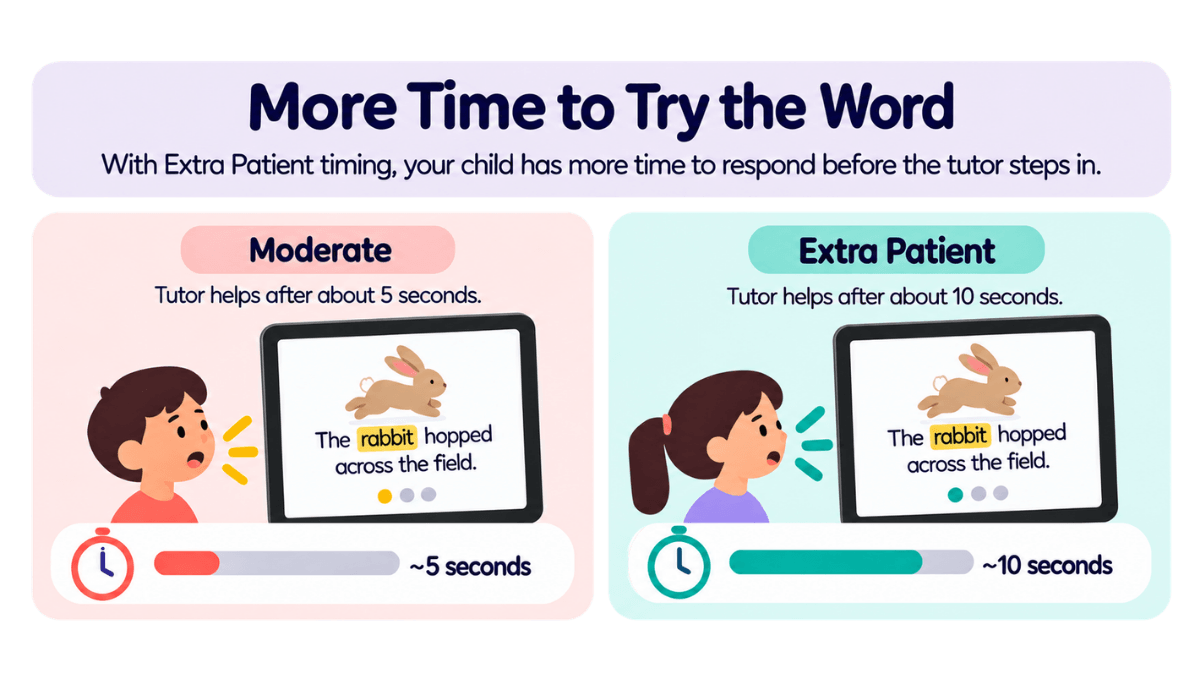
Choose Extra Patient timing to give your child more time to read and respond before the tutor steps in.

Real-Time Reading Support
When your child gets stuck on a word, the tutor can step in with support to keep the reading session moving.
Vocabulary Support
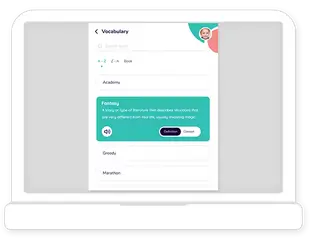
Tap unfamiliar words to explore their meanings and build understanding while reading.

Slower Tutor Pacing
Adjust how quickly the tutor reads aloud, including a Slowest setting for a more comfortable pace.

Read-Aloud Support
Your child can hear words and passages read aloud while following along with the text on the page.
Comprehension Practice
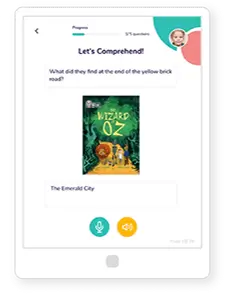
After reading, your child can answer questions by voice to practice understanding what they’ve read.
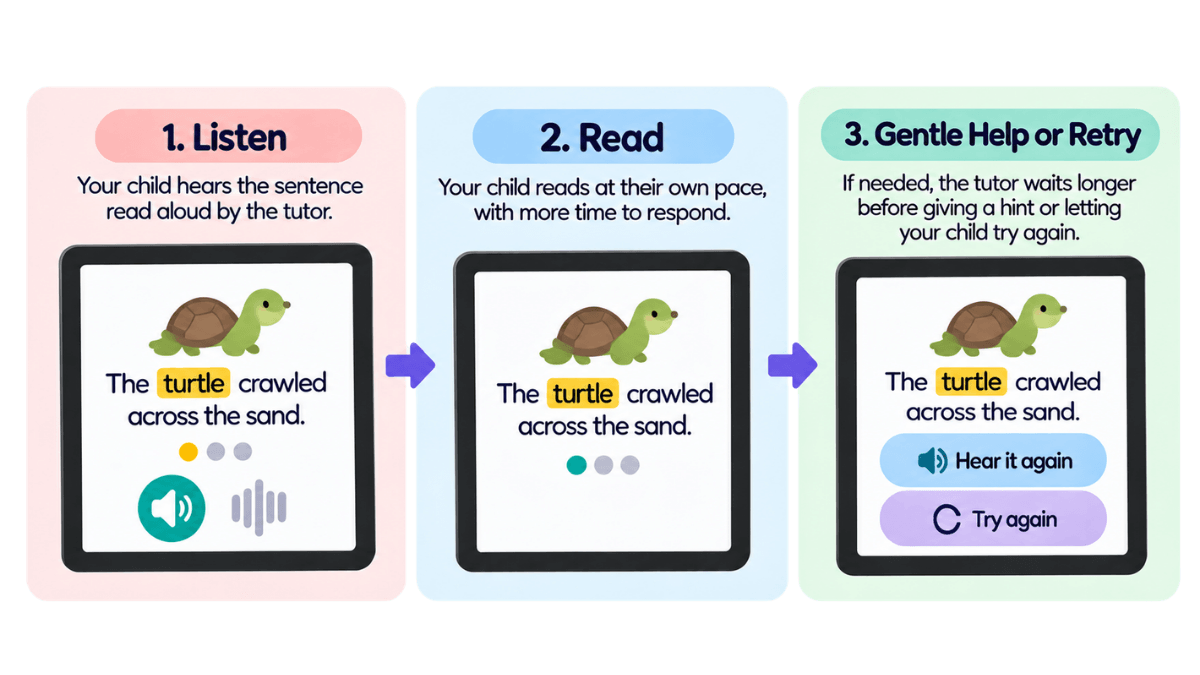
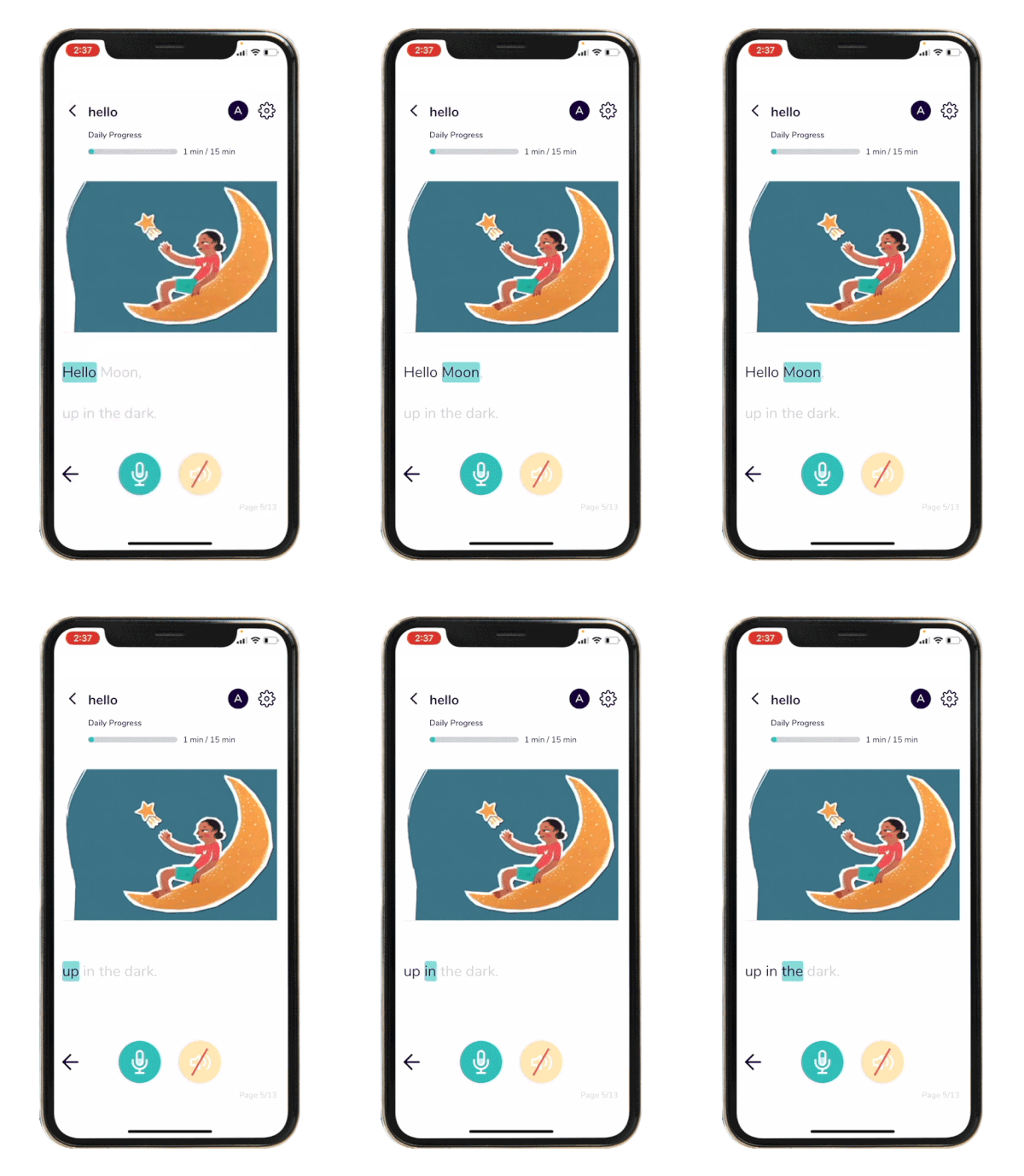
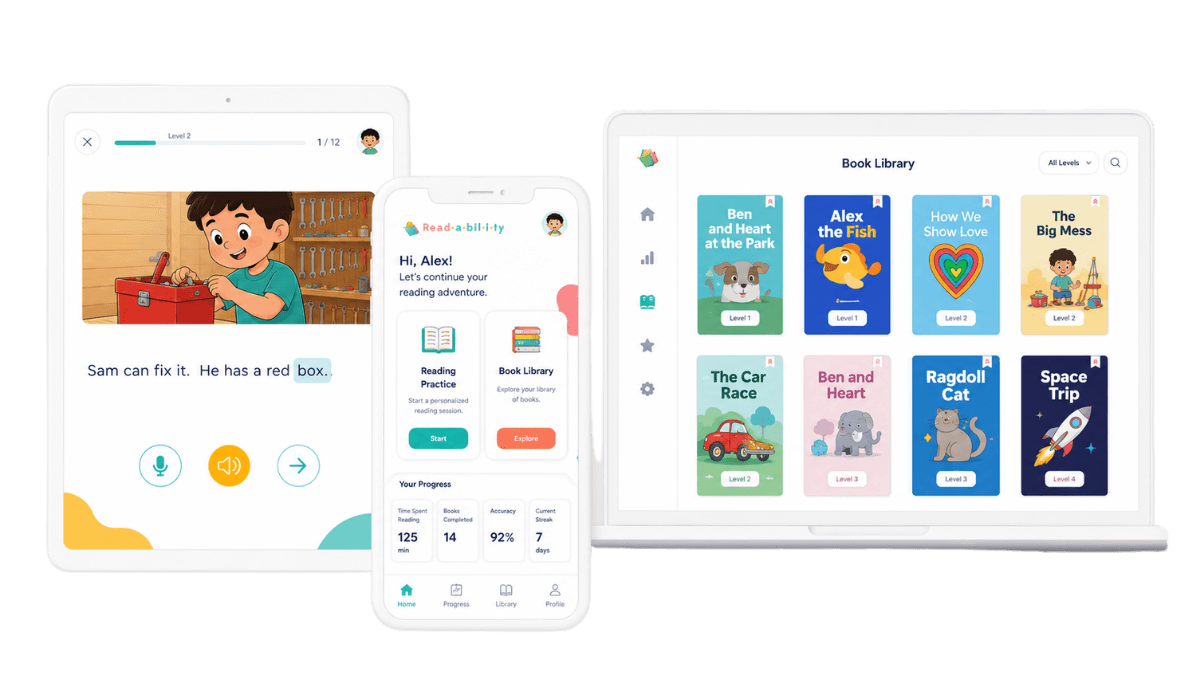
Reading aloud can be challenging when a word doesn’t come easily. Readability Tutor follows along as your child reads and offers support when they need it, so they can keep moving through the story at their own pace.
When your child comes across an unfamiliar word, they can tap it to explore its meaning without leaving the story. This gives them a chance to learn new words in context and better understand what they’re reading, making vocabulary building a natural part of everyday reading practice.
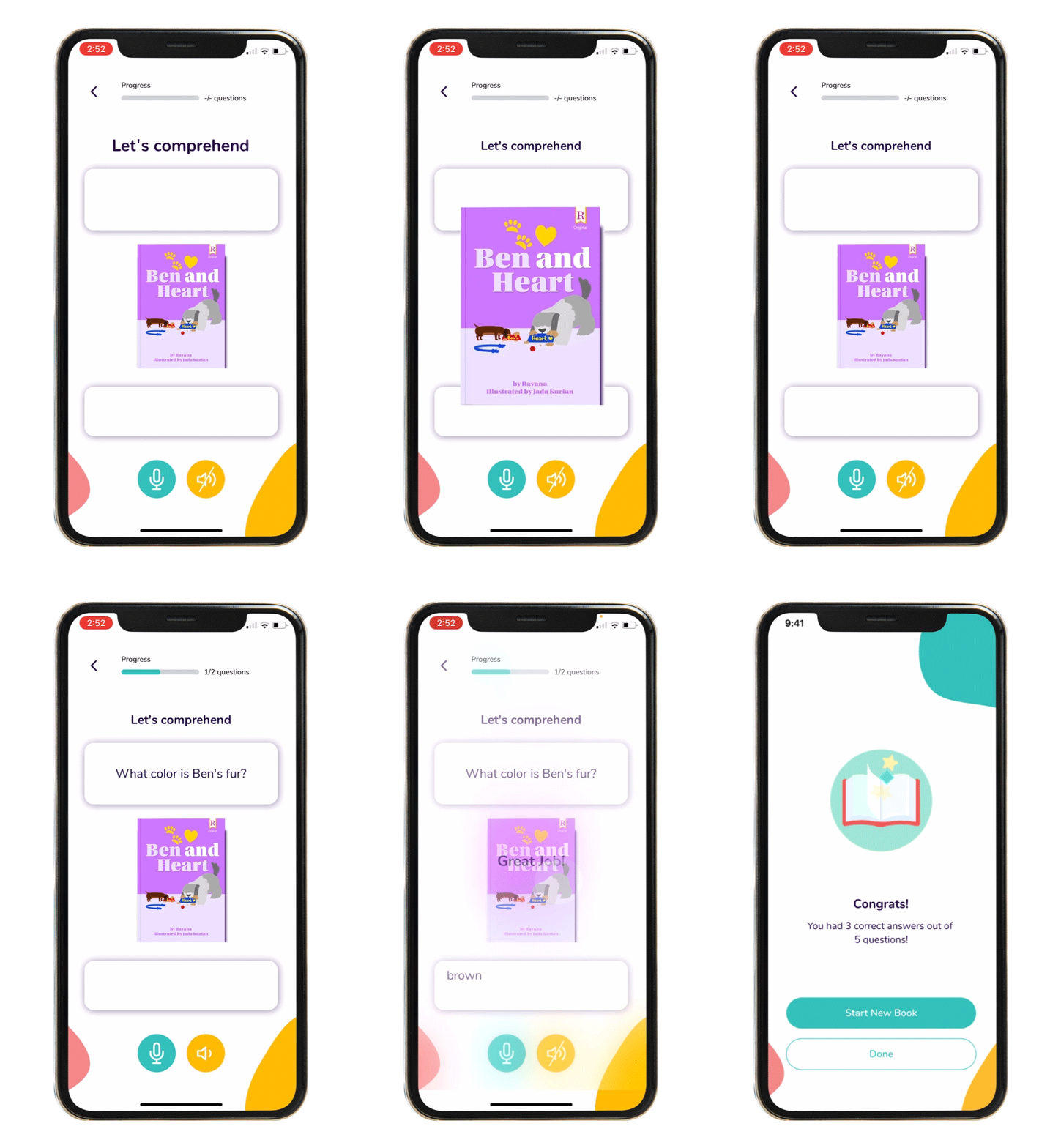
Reading is about more than saying the words on the page. After each story, Readability Tutor asks comprehension questions your child can answer by voice, giving them a chance to practice understanding and talking about what they’ve read.

A child can understand a word on the page even when saying it clearly is difficult. Reading involves recognizing words, connecting sounds and letters, and understanding meaning, while speech involves producing those sounds aloud.
For a child with a speech delay or language delay, these skills may not always develop at the same pace. They may know a word, understand what it means, or read it correctly even if their pronunciation sounds different.
That’s why reading practice should leave room for your child to take their time. Readability Tutor offers adjustable tutor pacing and longer response times, so your child has more time to read aloud before the tutor steps in.
Speech delay may be only one part of your child’s reading experience. Some children may also need support with decoding, attention, keeping their place, or understanding what they read. Readability Tutor lets you select more than one area of support and combines the settings to better fit your child’s needs.
For example, a child who also has dyslexia can use wider spacing, a reading-friendly font, and Follow Line alongside the slower tutor pace and longer response time available for speech delay. Learn more about how our dyslexia app for kids supports different reading needs.
You can also adjust individual settings at any time, giving your child a reading experience that can change along with their needs.
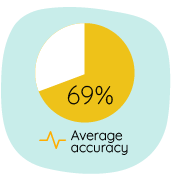
Readability Tutor listens as your child reads aloud so it can follow along and offer support when needed. Because speech recognition isn’t perfect, differences in pronunciation may sometimes cause a word your child knows to be marked incorrectly.
The Extra Patient setting gives your child more time to respond before the tutor steps in, but it doesn’t change how their pronunciation is recognized or what counts as correct. If your child has a speech delay, try the first few reading sessions together to see how well the app works with their individual speech.
Readability Tutor is designed for reading practice, not speech therapy. If your child works with a speech-language pathologist, the app can be used alongside their professional support as another way to practice reading at home.
"My 6-year-old daughter has speech delays and struggles to communicate clearly. With Readability Tutor, she practices new words every day, and her pronunciation has improved. She even looks forward to reading time now! It’s been such a game-changer for her confidence."
— Megan L., Parent

Learn why children may skip words or lose their place and explore simple ways to make reading easier to follow.
Read More
Know what to look for when reading challenges continue and when it may be time to seek additional support.
Read More
Explore kid-friendly vocabulary apps and tools that make learning and understanding new words part of reading practice.
Read More



No. Readability Tutor is a reading app designed to support reading practice, including vocabulary and comprehension. It does not provide speech therapy or replace support from a speech-language pathologist.
No. Choosing Patient or Extra Patient timing gives your child more time to respond before the tutor steps in. It does not change how the app recognizes their pronunciation or what it considers a correctly read word.
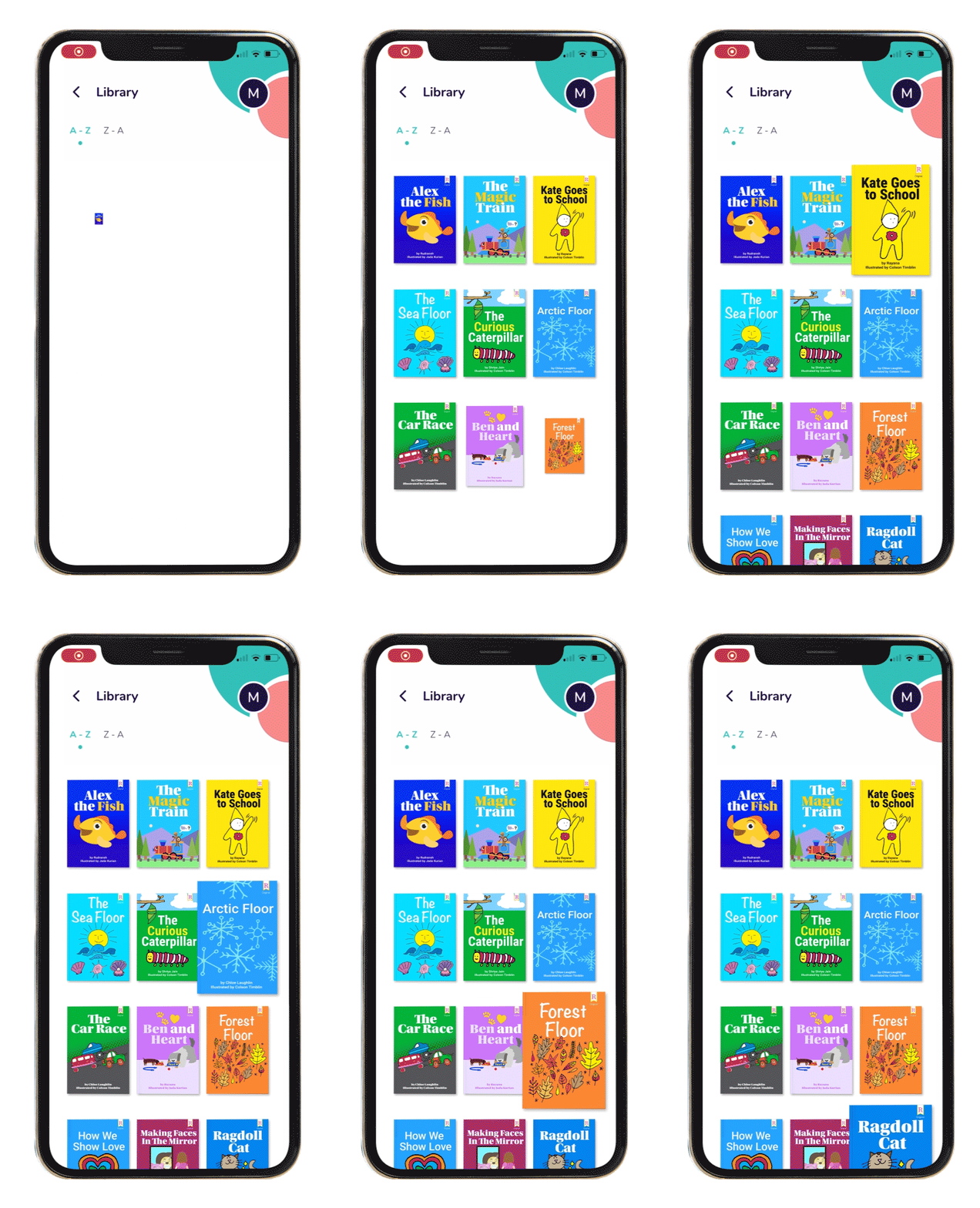
Some features rely on your child’s spoken responses, including reading aloud and voice-based comprehension questions. Other features, such as adjustable text settings, word meanings, read-aloud support, and the story library, are not dependent on your child pronouncing every word correctly.
If your child understands or can decode a word but the app repeatedly marks it incorrectly, pronunciation may be affecting speech recognition. Try the reading session together and focus on the reading practice rather than treating a single recognition result as a measure of what your child knows.
Yes! Parents can select more than one area of specialized reading support, and Readability Tutor combines the relevant settings for that child. For example, a child with speech delay and attention-related reading challenges can use longer response times alongside tools designed to make reading easier to follow. Learn more about our ADHD reading app for kids and its adjustable reading support.
Yes. The suggested settings are a starting point, not a fixed reading mode. You can adjust individual settings such as tutor speed, correction pace, font, spacing, page color, and other reading preferences as your child’s needs change.